Tennis
Badminton
Badminton, Tennis & Table Tennis Court Allocation App NextWhoTsugidare - Smart AllocatorNEXT
Automatically solve "Who plays next?" for Badminton, Tennis & Table Tennis. Manage doubles combinations and rotations with ease. Free, no registration required.
Features
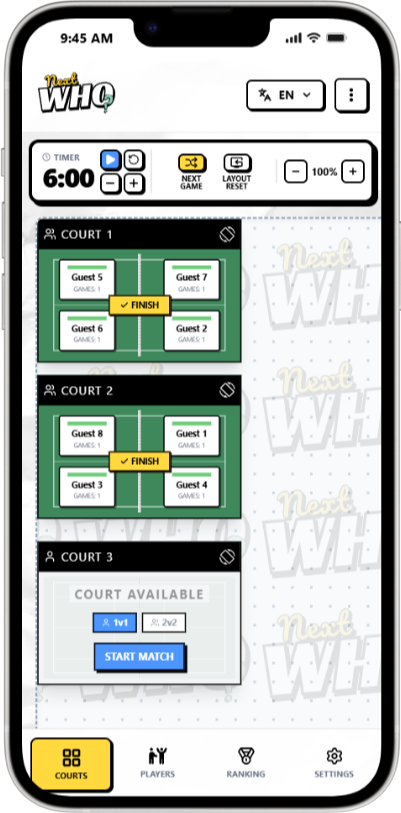
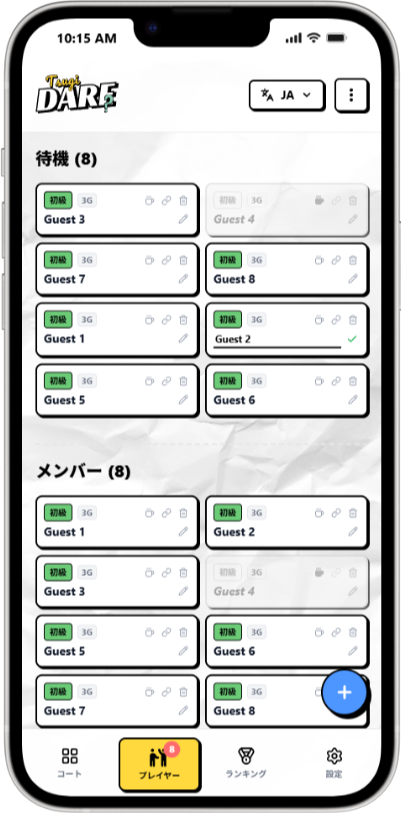
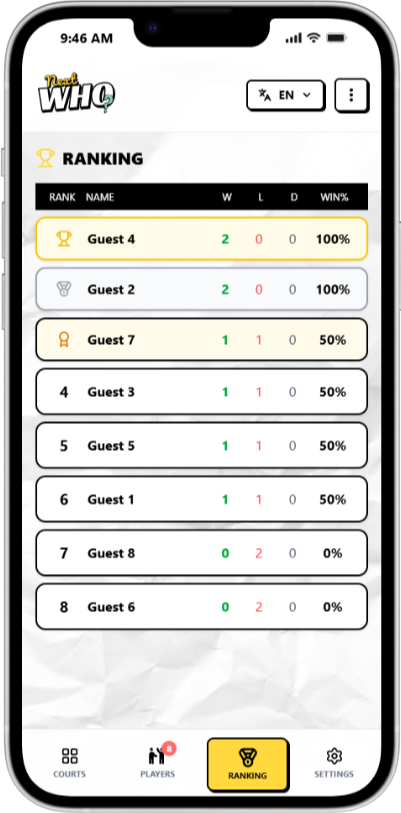
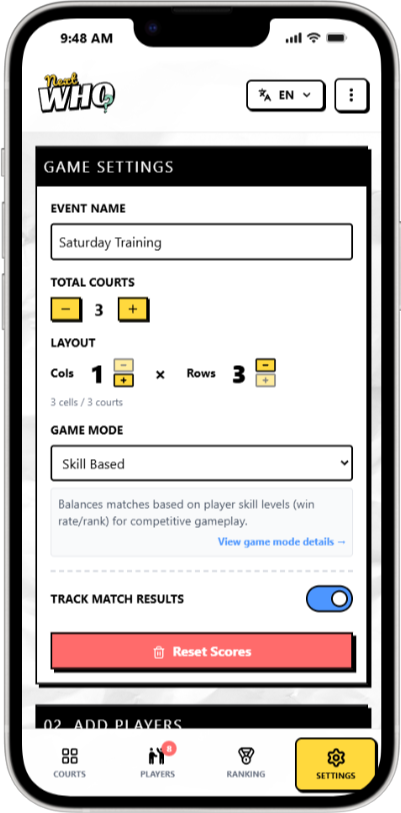
Court Management
Manage multiple courts on one screen. See availability and match progress at a glance.
Smart Allocation
Auto-generate optimal matchups with 4 game modes. Fair wait times considered.
Stats & Ranking
Track match results and auto-calculate win rate rankings. Boost motivation.
Match Timer
Set match duration with alerts. Helps manage time effectively.
Free, No Sign-up
Start immediately without account creation. Data stored locally in browser.
Works Offline
PWA-enabled for home screen install. Use anywhere, even without internet connection.
Recommended Use Cases
Badminton Clubs
Auto-generate optimal doubles pairings for 20+ players on 4 courts with one click.
Tennis Practice & Matches
Supports both hard and soft tennis. Manage break rotations fairly.
Table Tennis Practice
Smoothly run doubles practice sessions just by entering the number of tables and players.
How to Use
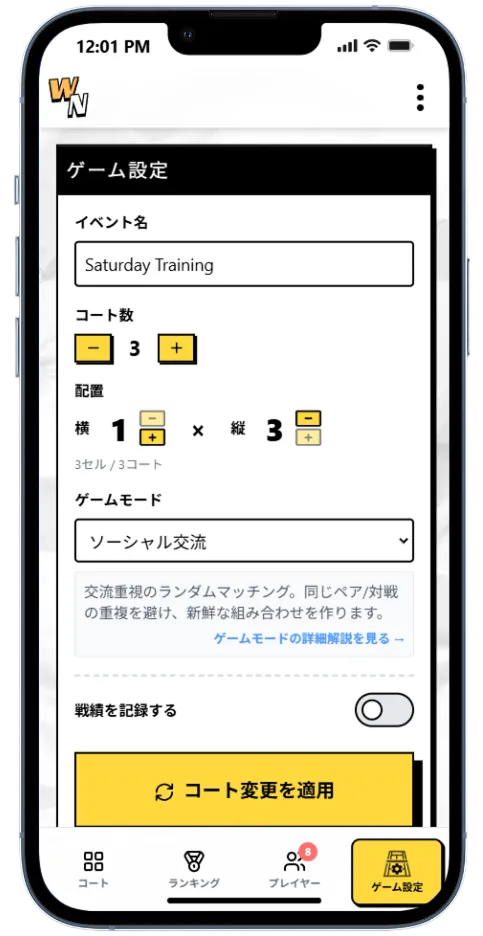
Step 1: Setup
Set the number of courts and choose the game mode.
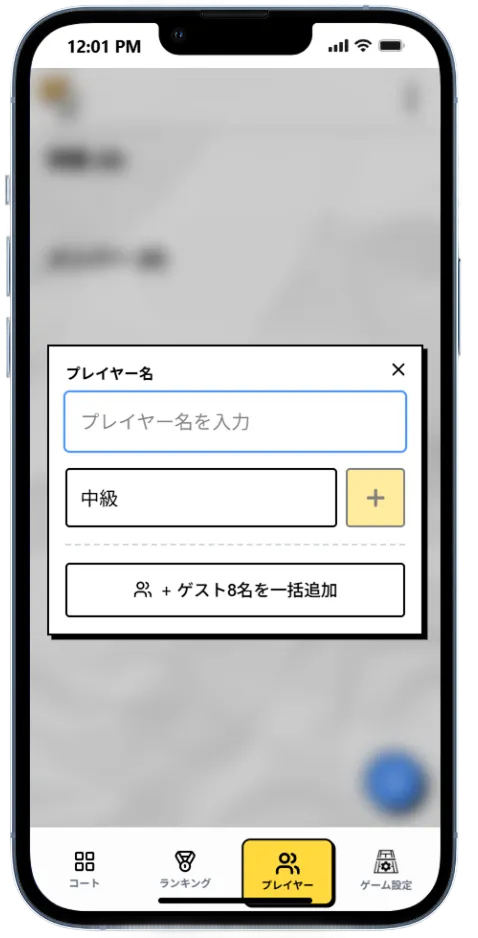
Step 2: Add Players
Add player names and set their skill levels.
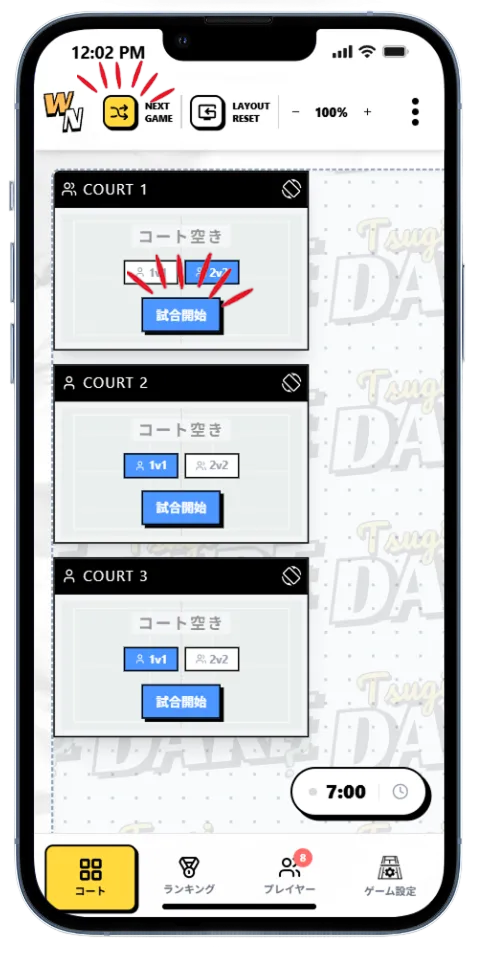
Step 3: Play
Generate fair matches automatically with one click.
FAQ
Yes, NextWho is completely free to use. There are no hidden fees, no ads, and all features are available without limits.
No account required. Just open your browser and start using it immediately. Your data is automatically saved in your device's browser, so you can continue where you left off next time.
Here are recommended setups by group size: [10 players] 2-3 courts work well for everyone to play regularly. [12 players] 3 courts with 2-3 players waiting creates smooth rotation. [15 players] 3-4 courts recommended. Use Equal Rotation mode to distribute wait times fairly.
Use 'Skill-Based Mode' to group players by beginner, intermediate, and advanced levels for matching. If you want to prioritize socializing, 'Social Mix Mode' is recommended. Playing with different skill levels also helps beginners improve.
Yes, it's the perfect replacement for traditional random charts. Unlike paper charts, it automatically considers fairness like 'avoid pairing with the same person consecutively' and 'equalize wait times'. Use it anytime on your smartphone - no need to carry paper charts.
Benefit 1: Reduces organizer burden by automating pair selection and rotation management. Benefit 2: Ensures fairness - eliminates complaints like 'that person plays too much'. Benefit 3: Saves time - pair selection takes seconds instead of minutes. Benefit 4: History tracking - match records and rankings add excitement.
Yes, it works offline. Designed as a PWA (Progressive Web App), once you access it initially, it works without internet in gyms with poor reception or underground facilities. Add it to your home screen to use it like a native app.
NEXTWHO
Make sports more fair, more fun. Start your free experience now.